 Easten Mediatech
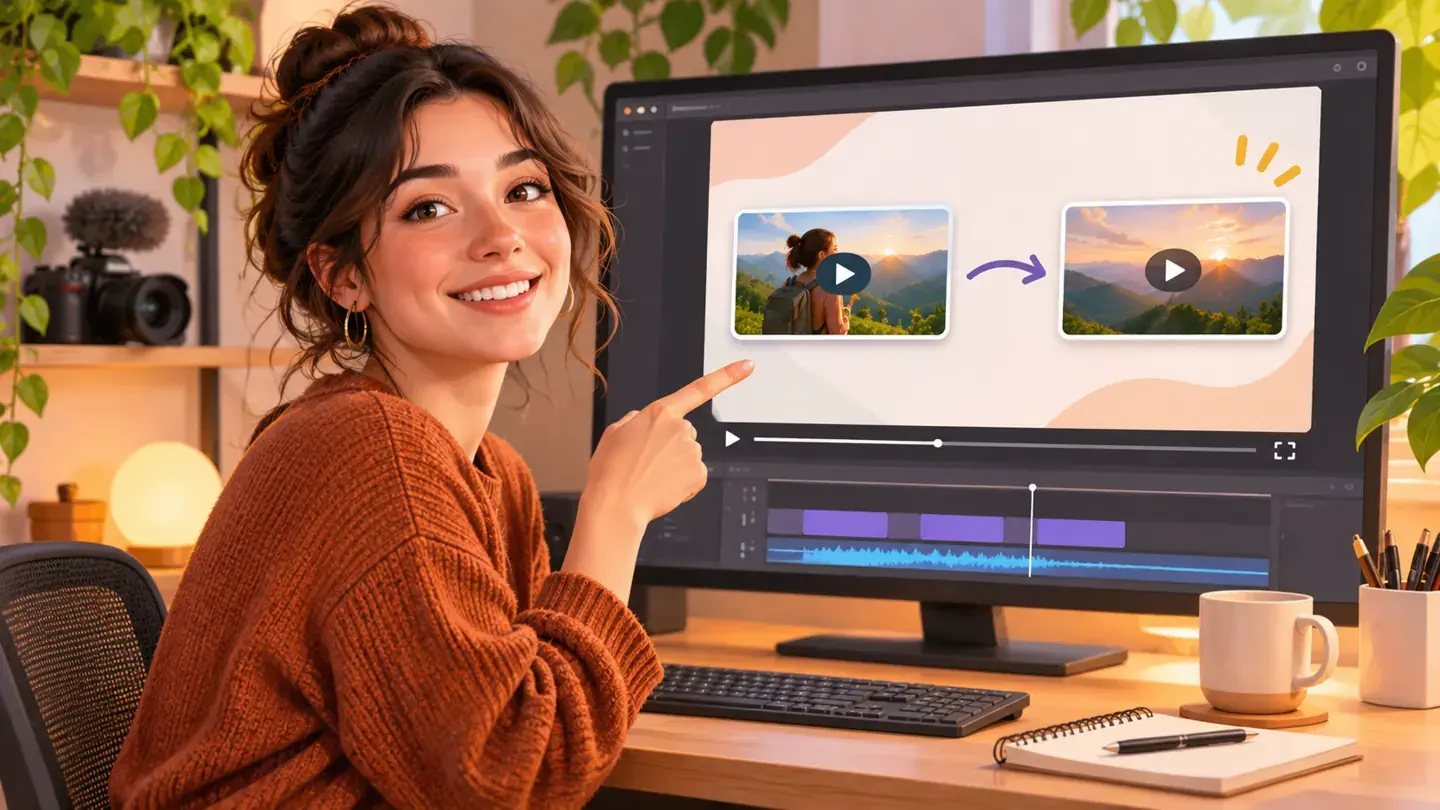
Decide the next step before the last edit
Choose one video that answers the question a viewer is likely to have after this one.
A related playlist can work when the subject needs several steps.
Do not send people to an unrelated upload simply because it is your newest.
Write a natural closing line that tells viewers why the next video is useful.
Leave space for the end screen
YouTube says end-screen elements appear during the closing part of an eligible video.
Plan the last 20 seconds so graphics do not cover the answer, subtitles or a key demonstration.
In YouTube Studio, add a video or playlist element and preview its placement before saving.
A clean layout with one clear destination is often easier to understand than several competing choices.
Measure whether the path works
After publishing, inspect end-screen performance alongside the video's wider audience data.
Compare similar uploads, not a new short video with a much longer tutorial.
If viewers rarely reach the ending, improve the video structure before changing only the end screen.
If they reach it but do not click, test a more relevant next video and a clearer closing line.
Make it a useful sequence
The goal is to help someone continue learning, not to force another view.
Build a small sequence around a real audience problem and revisit it as your library grows.
Sources
- YouTube Help: Add end screens to videosDate not stated
- YouTube Help: Tips to optimize your videoDate not stated
- YouTube Help: Create and manage playlistsDate not stated