 Easten Mediatech
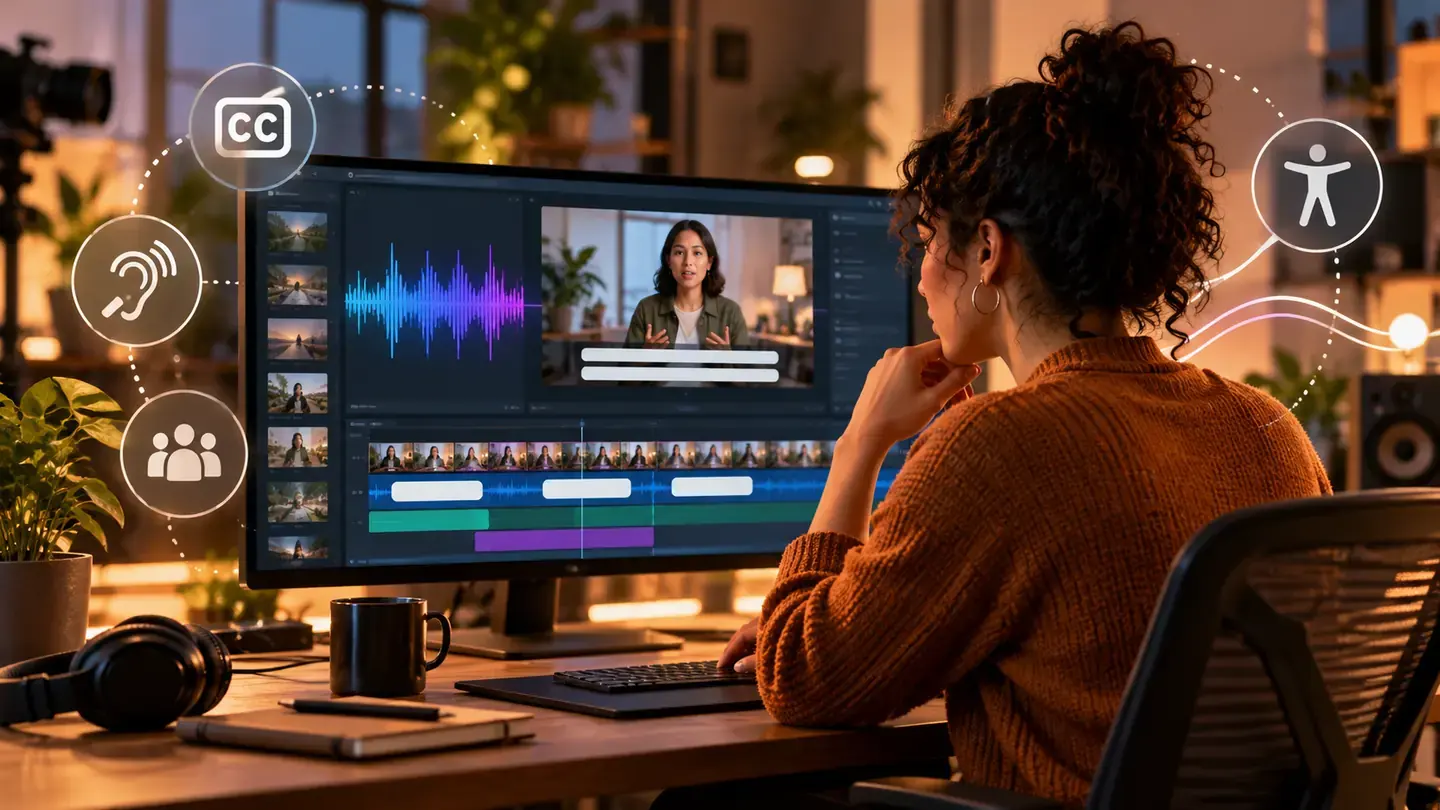
Start with the words people actually hear
YouTube says captions can help viewers who are deaf or hard of hearing and those using another language.
Record a clean transcript first, then make sure names, figures and specialist terms match the spoken audio.
Do not assume an automatic transcript is accurate simply because it appeared after upload.
Make timing part of the edit
A caption should appear when its words are spoken, not several seconds before or after.
Review speaker changes and meaningful sounds when those details help a viewer understand the scene.
Keep each caption readable on a phone without covering an important visual or call to action.
A quick pre-publish check
Watch the full video with sound off and ask whether the message still makes sense.
Then watch with sound on to catch missing words, wrong timing and confusing edits.
YouTube Studio lets creators upload, auto-sync, type and edit caption files; choose the path you can review reliably.
Measure usefulness, not just views
W3C notes that automatic captions need accuracy review before they meet users' needs.
Compare viewer feedback and retention on captioned videos, but avoid claiming captions alone caused a growth lift.
Make caption quality a repeatable production step rather than a last-minute export option.
Sources
- YouTube Help: Add subtitles and captionsDate not stated
- YouTube Help: Review automatic captionsDate not stated
- W3C: Captions and accessibilityDate not stated